

How to Use Tesla Sentry Mode Without Draining the Battery
Did you know that leaving your vehicle’s surveillance system active can use up to 7% of your total range in just one day? I’ve faced the problem of coming back to a dead car. I want to share how you can prevent this. Preserving battery life with Tesla Sentry Mode is key for every owner who cares about security and efficiency.
Knowing how to balance constant watch and energy use lets you keep your car safe without losing driving power. This guide offers steps to keep your car safe while you’re away. If you’re also looking for maintenance tips, you might find it helpful to learn how to reset your service for other vehicles in your garage.
Managing your vehicle’s security features while keeping your range optimal is a skill every owner should have. I will show you the best ways to keep your power up while keeping your mind at ease.
Key Takeaways
- Understand the impact of surveillance systems on your total range.
- Learn to balance active security with energy conservation.
- Discover actionable settings to minimize power loss while parked.
- Avoid the frustration of returning to a low-charge vehicle.
- Maintain optimal protection for your car during extended stops.
What is Tesla Sentry Mode?
Learning how to use Tesla Sentry Mode without draining the battery starts with understanding its main security features. I see it as a high-tech, always-on guard that keeps my car safe when parked. This is true whether it’s in public or private areas.
The system uses the car’s hardware to create a strong defense against vandalism or theft. It’s a powerful tool, but knowing how it affects your car’s range is key.
Overview of Sentry Mode Features
The system uses external cameras, microphones, and ultrasonic sensors to watch the area around it. When the car is locked, these tools stay on to spot any suspicious or threatening activity.
If it finds a risk, it goes into alert mode. This includes flashing the headlights, playing loud music, and showing a warning on the screen. It’s all to scare off intruders.
How Sentry Mode Works
When it spots a threat, the car’s computer saves video to a USB drive. This means you get reliable evidence of any incidents when you’re not there.
Also, it sends a notice to your phone through the Tesla app. This keeps you updated on your car’s safety in real time. To use Tesla Sentry Mode without draining the battery, you need to find a balance between these features and your daily driving.
| System State | Camera Activity | Power Consumption |
|---|---|---|
| Standby | Low | Minimal |
| Alert | High | Moderate |
| Alarm | Maximum | High |
Why Battery Drain is a Concern
Knowing how much energy your car uses is key to saving battery. The constant watch of Sentry Mode can cut into your driving range. When parked, weighing security against battery use is essential.
Understanding Tesla Battery Life
Energy loss happens because of how Tesla manages power. When not in use, it goes into deep sleep to save energy. This mode turns off non-essential systems to reduce battery use.
But, turning on security features keeps the car awake. The computer, cameras, and sensors stay on to watch the area. This stops the car from sleeping, which is key for preserving battery life with Tesla Sentry Mode.
Impact of Sentry Mode on Battery Consumption
Many owners are shocked by how much range they lose while parked. Sentry Mode uses 7-14% of the battery daily. This is more than usual idle loss.
“The constant processing of video feeds and sensor data requires a steady stream of energy, which directly impacts your available range for the next trip.”
For long trips, check out the best Tesla Model Y accessories for road trips. To stay efficient, think about how you use energy:
- Continuous Processing: The onboard computer analyzes camera footage live.
- Sensor Activity: Proximity sensors stay alert for threats.
- System Wakefulness: The car can’t sleep low while armed.
It’s important to focus on Tesla Sentry Mode battery optimization for long-term health. By preserving battery life with Tesla Sentry Mode, your car is ready for the next drive without losing range.
Best Practices for Using Sentry Mode
Mastering the balance between safety and power efficiency is key for every owner. Sentry Mode offers peace of mind but can drain your battery if always on. By adopting smart habits, you can keep your car safe and your battery charged.
Choosing the Right Time to Activate
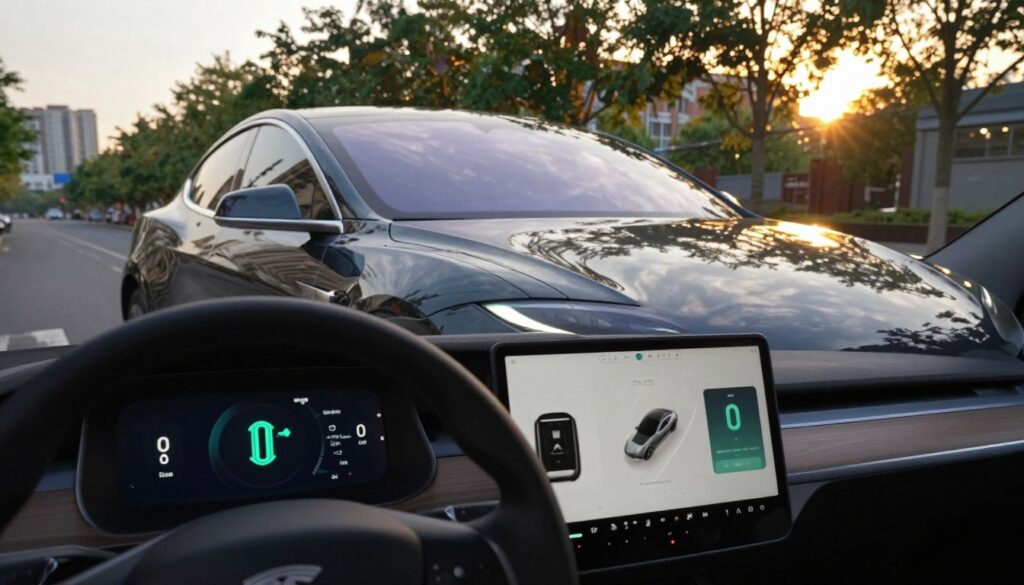
Using location-based exclusion zones can save a lot of energy. Set your home and workplace as “Exclude Home” zones to save 8-12 kWh daily. This way, Sentry Mode only turns on when you’re in unfamiliar or risky places.
I suggest making a manual toggle habit to only turn Sentry Mode on when needed. For more efficiency tips, check out fuel economy tips for long trips. Being picky about when you use Sentry Mode is key to Tesla Sentry Mode battery optimization.
Reducing Camera Sensitivity Settings
High sensitivity settings can cause Sentry Mode to record unnecessary things like wind or shadows. I recommend lowering these settings to save battery without losing security. This way, your car’s computer won’t wake up too often.
Limiting Duration of Use
Keeping your car in high alert for too long can quickly drain the battery. I only turn on Sentry Mode when parked in public for short times. If you leave your car for days, think if it really needs constant watch. Consistent monitoring of your use will help you find the right balance between safety and battery life.
Optimizing Battery Life While in Sentry Mode
It’s possible to keep your car safe and save battery at the same time. With a few Tesla Sentry Mode power consumption tips, you can enjoy both. This way, you don’t have to worry about losing range.
Utilizing Power Saving Mode
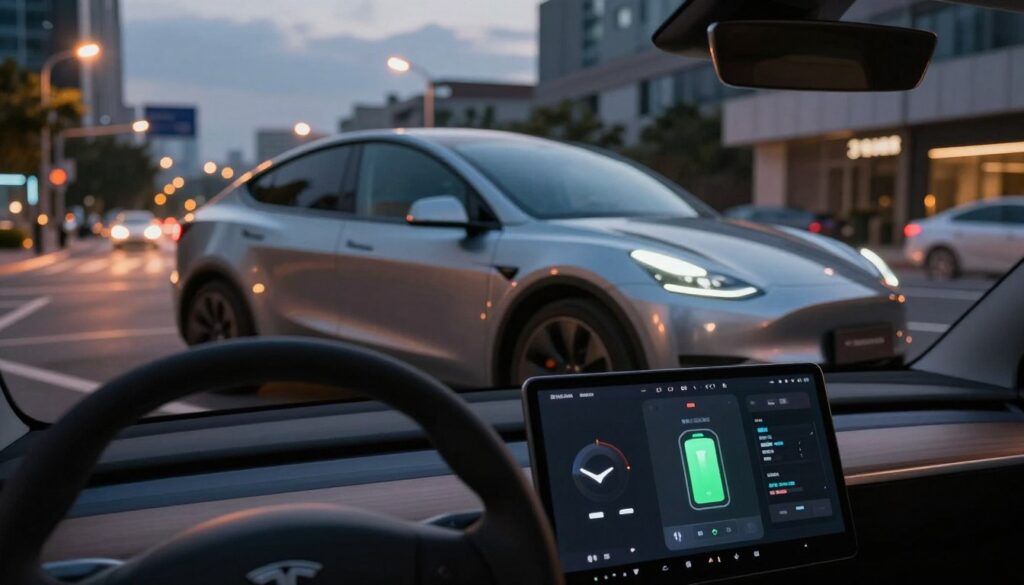
One great way to save energy is to set your car to use less power when it’s parked. If you park in a safe spot, like your garage, turn off Sentry Mode. This helps avoid wasting energy when your car is not moving.
Charging Options While in Use
When you park for a while, try to find a place to charge. Using destination chargers or work outlets can help. Even a simple wall outlet can charge your car enough to counteract Sentry Mode’s power use.
Keeping Software Updated
Keeping your car’s software up to date is very important. Tesla often releases updates that make Sentry Mode use less power. For example, the 2024.38 update can cut down Sentry Mode’s power use by up to 40%. Always update your car to get these benefits and keep your battery in good shape.
Advanced Settings and Customization Options
Customizing your security settings can help save battery power. By adjusting your car’s settings, you can keep it safe while using less power. This is key for Tesla Sentry Mode power consumption tips to protect your battery.
Adjusting Alert Settings
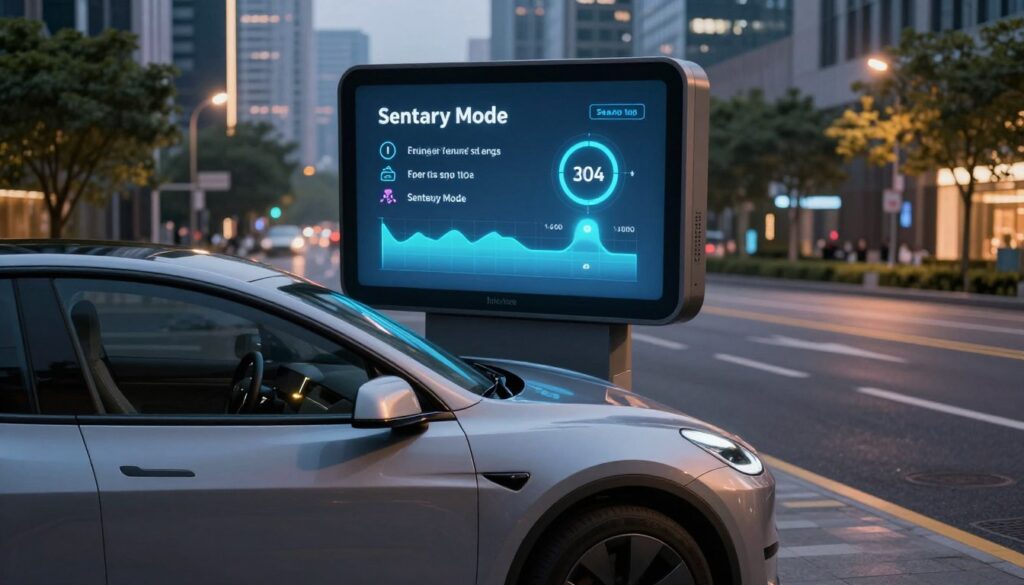
Check your alert sensitivity to avoid false alarms. Lowering camera sensitivity stops the car from recording unnecessary movements. This simple change is a big help for daily use.
Customizing Notifications
It’s important to control how your car talks to your phone. Turn off non-essential notifications to prevent battery drain. This keeps your car in a low power state, saving your range.
Integrating with Mobile App
Your mobile app’s interaction with the car affects energy use. Using a high-speed USB 3.0 drive helps record events without extra power use. Avoiding constant app checks also saves energy. These steps offer a personalized way to keep your car safe without harming your battery.
Tips for Monitoring Battery Drain
Staying proactive with energy monitoring is key to keeping my car’s range up. By watching how my vehicle uses power when parked, I make sure I’m maximizing Tesla Sentry Mode efficiency. This way, I don’t lose security.
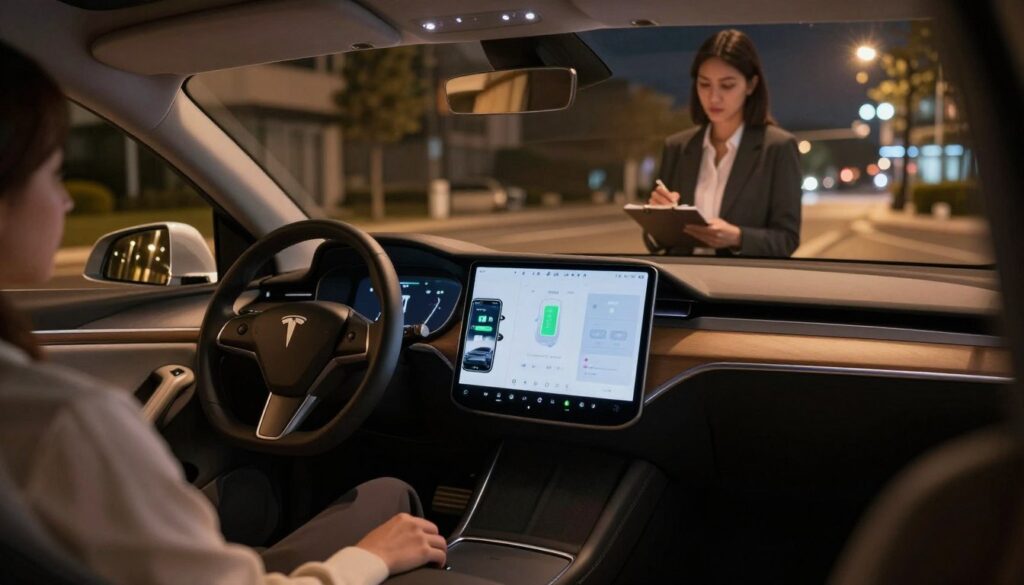
Using Tesla App to Track Usage
The official mobile app is my go-to for watching power use in real-time. I check the energy usage graph often. This shows me how much power is used when the car is parked.
Looking at these charts helps me see how settings and the environment affect my range. I can then decide when to keep Sentry Mode on or off to save power.
Checking Battery Statistics
I also look at the battery stats provided by the car. This helps me find out if there are times or places where my battery drains more than usual. For example, in crowded parking lots.
Regular monitoring helps make sure my security settings match my driving needs. The table below shows how different parking spots affect your battery when using these features.
| Parking Environment | Drain Level | Recommended Action |
|---|---|---|
| Quiet Residential | Low | Keep Sentry Active |
| Busy Shopping Center | High | Review Sensitivity |
| Private Garage | Minimal | Disable Sentry |
| Public Street | Moderate | Monitor via App |
By using these tips, you can maximize Tesla Sentry Mode efficiency for your daily life. Being aware of these patterns helps keep my battery healthy and my car safe all the time.
Frequently Asked Questions
Many people ask about keeping their cars safe without using too much energy. They worry that using cool features will drain the battery too fast. But, with a little smart planning, you can keep your car safe and your battery full.
Common Queries About Sentry Mode
One big question is about the best battery level for Sentry Mode. I say keep it between 20% and 80% for the best performance. This range helps your car stay alert without wasting energy.
Some folks worry that lowering sensitivity settings makes their car less safe. But, adjusting these settings can actually help your car focus on real threats. For more info, check out Tesla Sentry Mode explained to learn more about your car’s security.
Troubleshooting Tips for Battery Issues
If your battery seems to be draining fast, don’t worry. Often, the fix is easy. Here are some things to check:
- Check for software updates: Tesla often releases updates that help with power use.
- Review WiFi connectivity: A weak or unstable WiFi signal can make your car work harder, using more energy.
- Limit external accessories: Make sure third-party devices aren’t using power when your car is parked.
By following these tips, you can keep your car safe and your battery charged. Always check your battery stats in the app to catch any problems early. Keeping your system up to date and settings right will give you peace of mind.
Real-World Experiences
Many Tesla owners share their experiences with battery management and security features. Learning from others is often better than reading manuals. They show us how to save energy with Tesla Sentry Mode.
User Stories on Battery Management
Owner forums often talk about how the environment affects power use. Parking in the shade can cut cooling needs by 40% in summer. This helps the car use less energy to keep cool while the security system is on.
Using a good sunshade also helps a lot. It keeps the car cooler, so the climate control doesn’t work as much. This saves battery life. For more on how these systems work, check out Tesla Sentry Mode explained.
Tips from Tesla Owners
Experienced owners suggest making physical and digital changes to save energy. Here are some tips from the community to help you use less power. These are simple steps you can follow every day.
| Strategy | Action Required | Expected Benefit |
|---|---|---|
| Environmental Control | Park in shaded areas | Lower cooling demand |
| Interior Protection | Use a sunshade | Reduced cabin heat |
| System Optimization | Limit camera sensitivity | Less frequent recording |
| Software Maintenance | Keep firmware updated | Improved power efficiency |
Using these proven methods, I keep my car safe without draining the battery. It’s about finding the right balance for you. These Tesla Sentry Mode energy-saving strategies will help you stay safe and keep your battery healthy.
Conclusion: Balancing Security and Battery Health
Finding the right balance between keeping your car safe and its battery healthy is doable. Start by setting up your Tesla to protect it without draining the battery. Try using location exclusions to begin.
Learning Tesla Sentry Mode energy-saving tips is easy. Just keep your software up to date and watch your daily energy use. These actions help you feel secure and keep your car’s range good.
Your car’s safety plan should grow with your parking habits and driving spots. Use these tips to keep your car safe without losing power.
Check your settings when your parking habits change. Making small adjustments regularly helps keep your car safe and your battery ready for driving.
How to Use Tesla Sentry Mode Without Draining the Battery
What is Tesla Sentry Mode?
Sentry Mode is more than a dashcam. It’s a full security system. It uses Autopilot cameras for 360-degree surveillance. When someone leans on the car, it warns them by flashing the lights.
Behind the scenes, the car’s computer stays on to watch video feeds. This means the car doesn’t go into deep sleep. But, it’s always ready to act, which uses battery power.
Why Battery Drain is a Concern
Many owners notice their car loses range while parked. Sentry Mode uses a lot of power. It’s important to watch how much power it uses to keep the battery healthy.
Keeping the battery in a certain range helps Sentry Mode work better. If you notice your battery draining too fast, check for software updates or weak WiFi.
Best Practices for Using Sentry Mode
One way to save energy is to set up exclusion zones for your home and work. This way, the car only uses power when it’s in public or risky areas.
Turning off Camera-Based Detection in busy areas helps too. It makes the car rely on physical sensors, which can save power.
Choosing the Right Time to Activate
Using Sentry Mode wisely is key. Turn it off in safe places like a locked garage. This saves power without risking your car’s safety in public.
It’s also good to use a manual toggle for Sentry Mode. This way, it’s only on when you really need it.
Reducing Camera Sensitivity Settings
Lowering the sensitivity setting helps. It makes the car less likely to wake up for nothing. This saves power.
Remember, you can’t lower sensitivity in the usual way. But, you can adjust Camera-Based Detection in the security menu. This makes the car use physical sensors more.
Limiting Duration of Use
Limiting how long Sentry Mode is on helps. If you’re parked for a long time, turn it off after a while. This saves battery.
For example, if you’re parked at an airport for a week, turn it off after 48 hours. The car will turn it off when the battery hits 20%.
Optimizing Battery Life While in Sentry Mode
Keeping the climate control off saves power. This is because Sentry Mode and climate control together use a lot of energy.
Using charging stations or outlets can help. Even a 120V outlet can charge the car enough to cover Sentry Mode’s power use.
Keeping Software Updated
Keeping your car’s software up to date is important. Tesla often makes updates that save power. Make sure your car is always running the latest version.
Advanced Settings and Customization Options
Customizing your alerts helps. You can get updates without wasting power. Using a fast USB drive is key for efficient recording.
Managing notifications in the app is also important. Avoiding unnecessary app checks saves power. This way, you can keep your car safe without wasting energy.
Integrating with Mobile App
Using the app to view camera feeds is useful. But, do it sparingly to save power. This way, you can keep your car safe without wasting energy.
Monitoring Battery Drain
Check your energy usage in the Tesla App. This shows how different settings and places affect your range. It helps you make smart choices.
Watching battery statistics helps too. It shows if there are times or places where your battery drains more than usual. This helps you adjust your settings for better battery life.
Real-World Experiences
Learning from other Tesla owners is helpful. They share tips on saving battery. For example, parking in the shade or using a sunshade can help keep the cabin cool without using too much power.
Other tips include parking away from busy areas. This reduces the number of times the car wakes up, saving power.
Conclusion: Balancing Security and Battery Health
Many wonder if saving battery means sacrificing safety. But, smart use of Sentry Mode actually improves safety. Keep your battery between 20-80% for best performance.
If your battery drains too fast, try troubleshooting. Check for software updates or weak WiFi. These steps can make a big difference.

Hi! I’m Moheen Iftikhar, the founder of “CarSpherei.” I’m passionate about everything automotive — from the latest car trends and cutting-edge technology to driving tips and expert insights. Through CarSpherei, I share in-depth reviews, helpful guides, and practical advice to keep every car enthusiast informed, inspired, and connected to the world of driving.